This post is about the Wired Unmanaged problem I encountered when I tried to configure a static IP address for my Ubuntu virtual machine.
When I tried the following guide 虚拟机 Ubuntu 解决静态ip配置问题, I found that the network manager was not working, like the following picture:
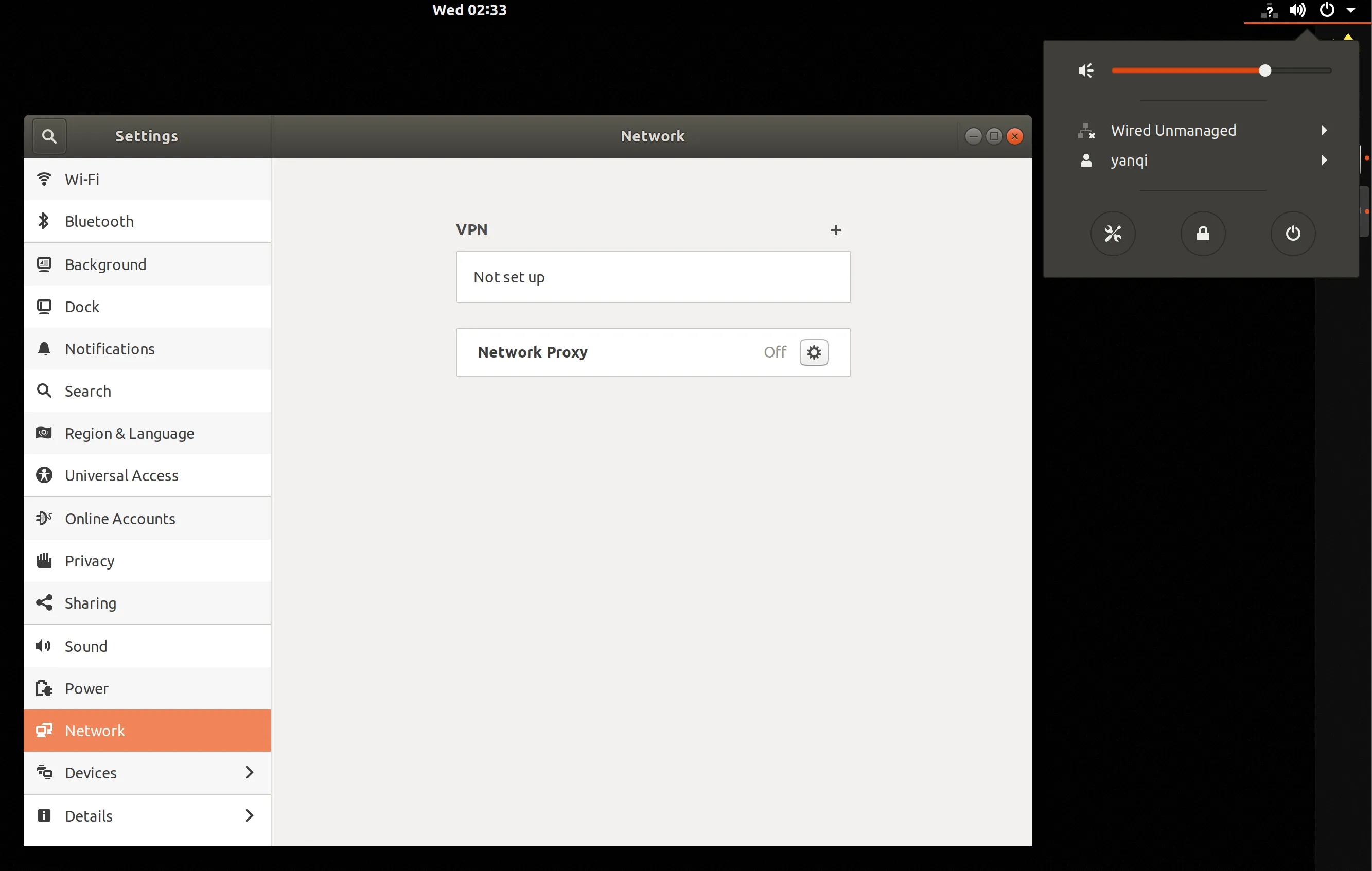
Solution
- Add a missing config file with
sudo touch /etc/NetworkManager/conf.d/10-globally-managed-devices.conf- Edit the file with
[main]plugins=ifupdown,keyfile
[ifupdown]managed=true
[device]wifi.scan-rand-mac-address=no
change the line managed=false to read managed=true
- Restart network manager with
sudo service network-manager restartThen the network manager will work again. Thanks to Lou Burnard for the solution.